Steps to Add W Chain Network to Rabby Wallet

Step 1: Download the Rabby Wallet extension
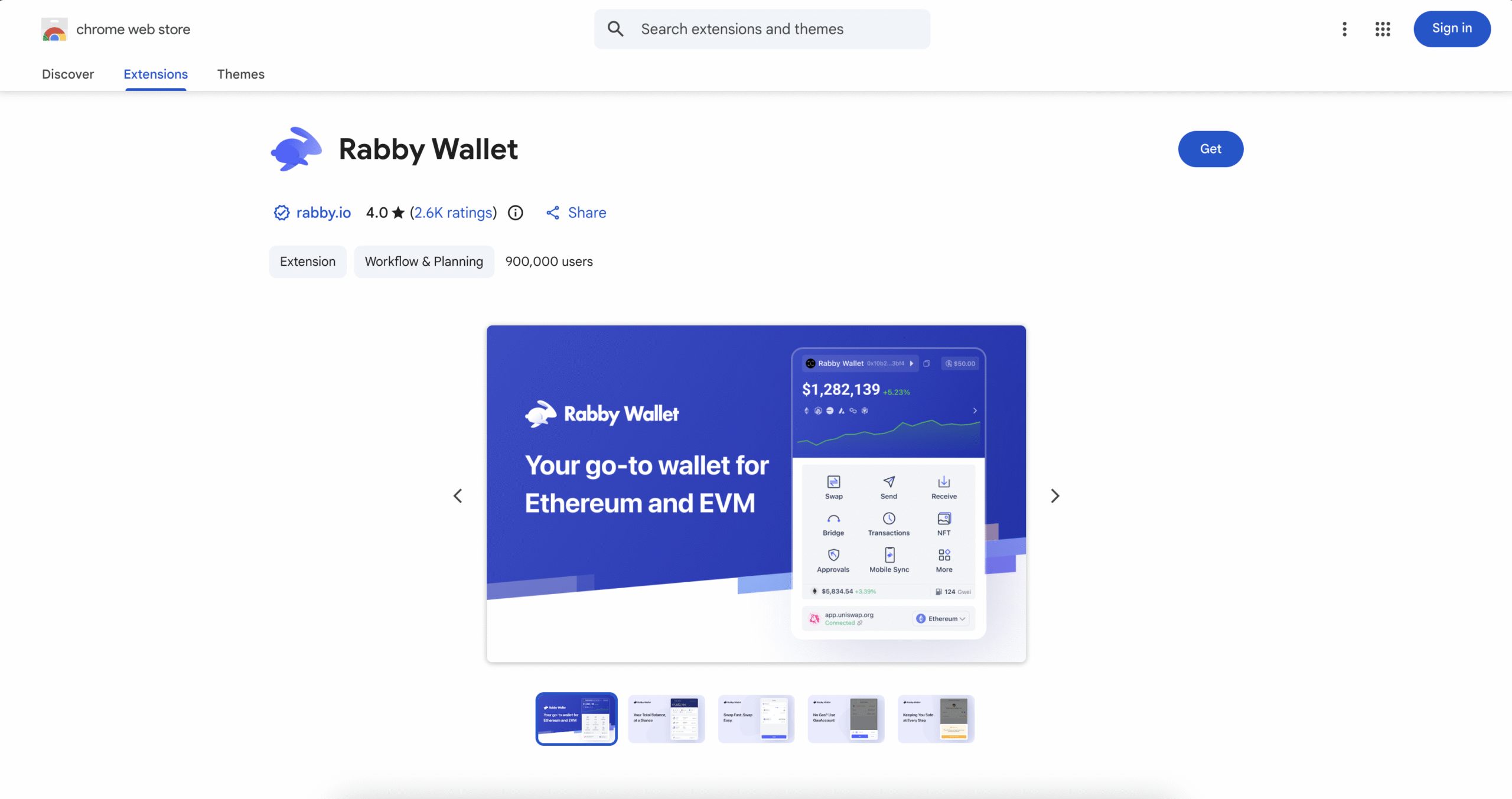
Download the Rabby Wallet extension on the Google Chrome Store here.

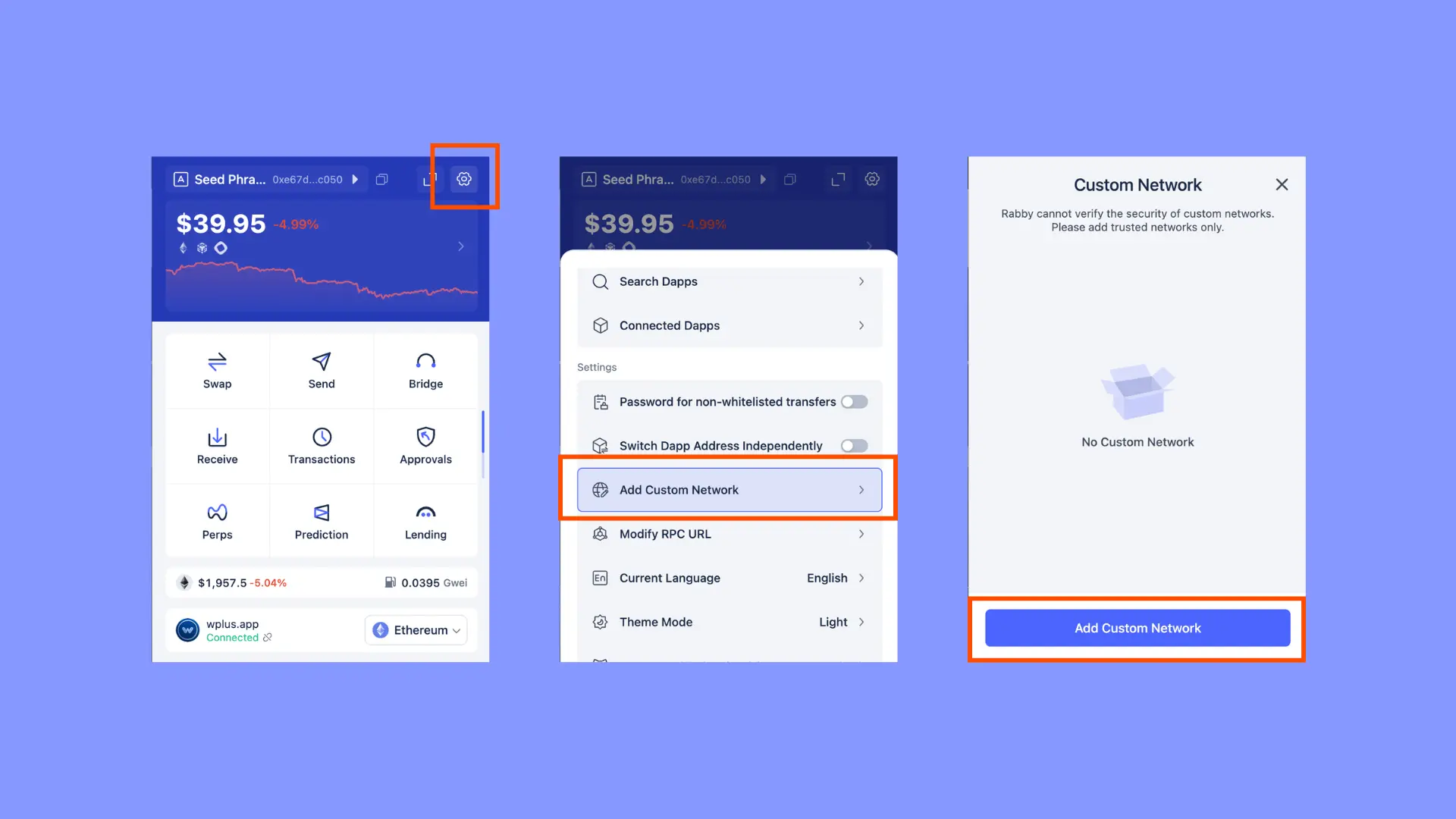
  • Once you have created a new wallet/imported your wallet to Rabby, select the Settings icons at the top-left of the extension. 
  • Scroll down and click on “Add Custom Network”.
  • Then “Add Custom Network” again (blue horizontal rectangle).

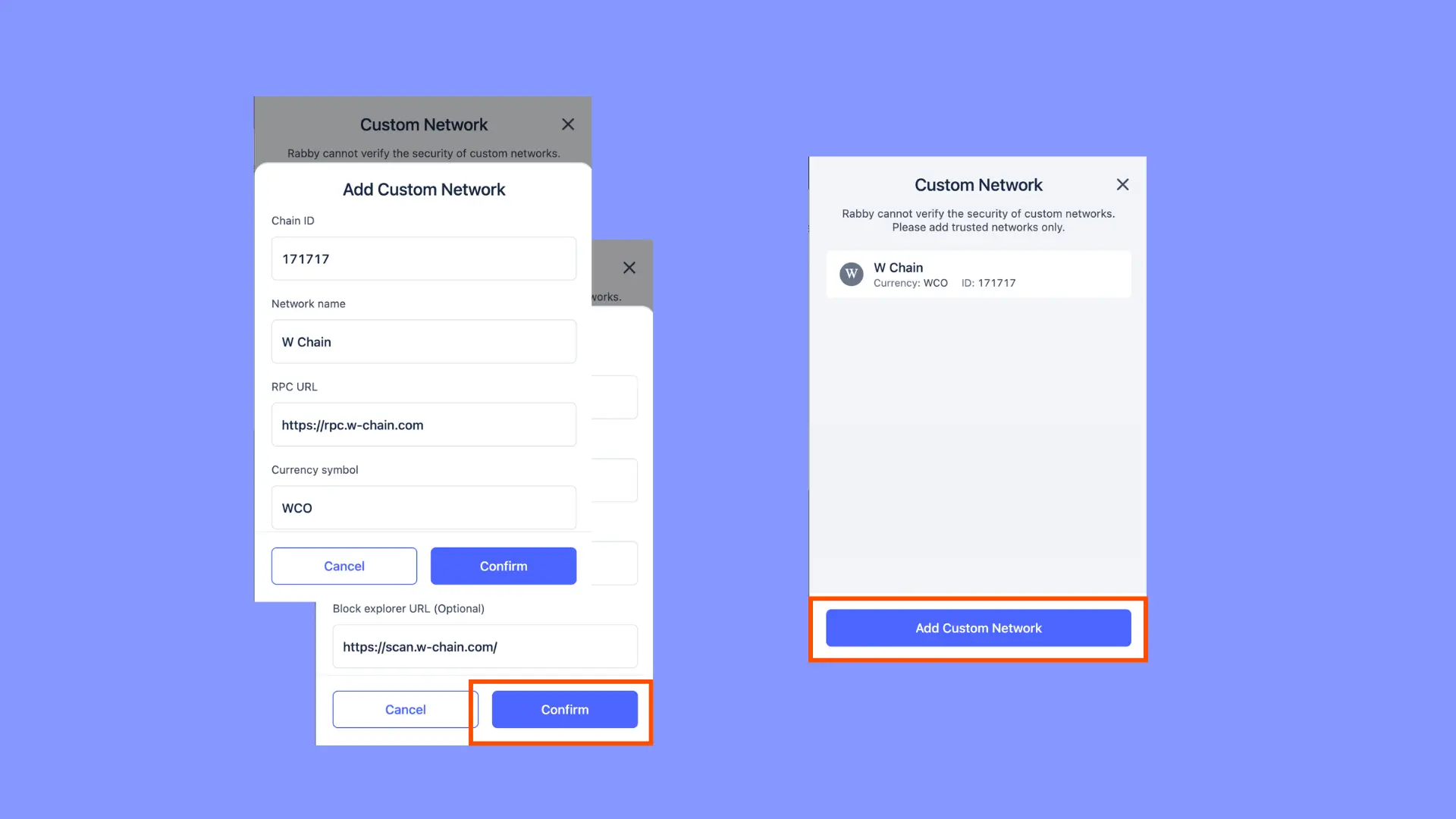
Fill in the required fields with the W Chain Network details:

Hit “Confirm” then “Add Custom Network”.

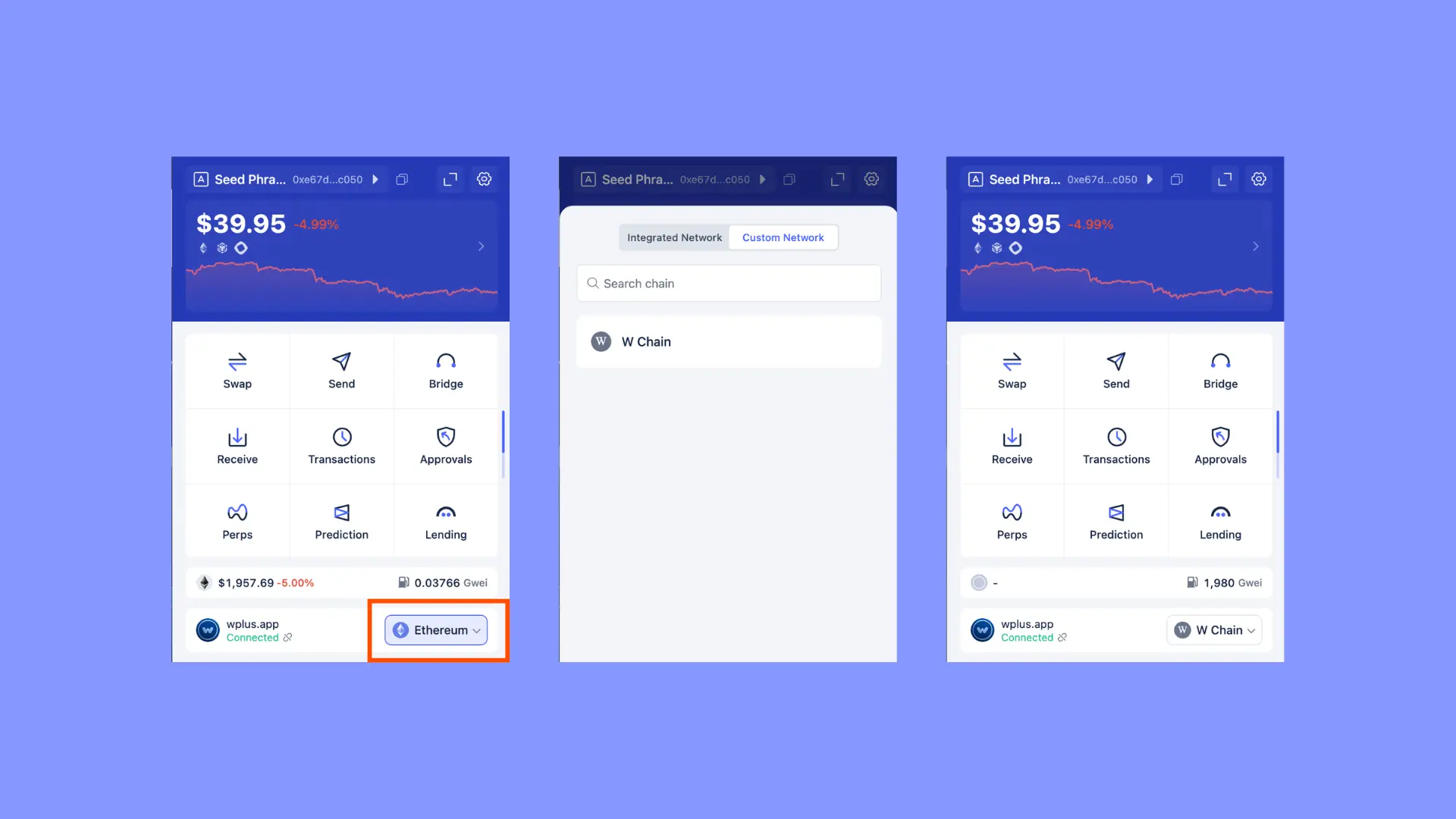
  • Switch to the W Chain network by selecting it in the network dropdown.
  • Ensure your wallet interface reflects the W Chain Network details (e.g., balances, native tokens, etc.).