
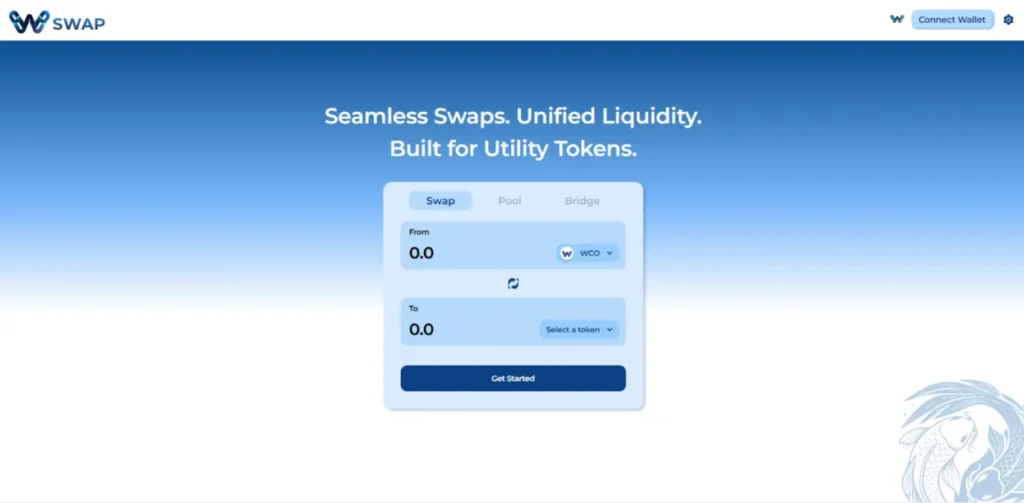

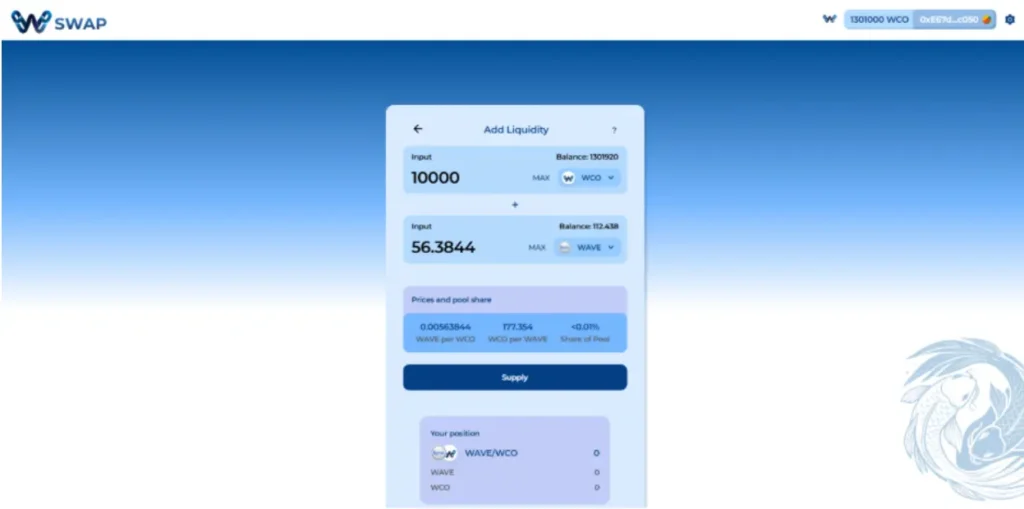
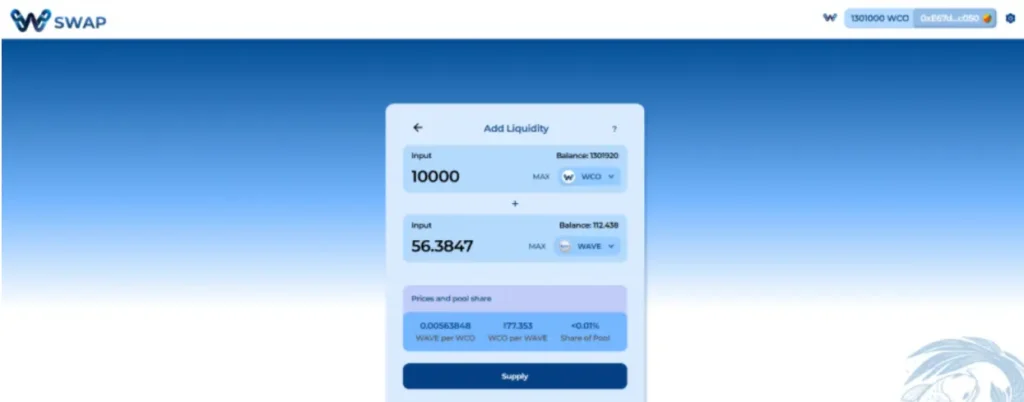
W Swap is a cutting-edge decentralized exchange (DEX) designed to empower seamless, low-cost, and secure cryptocurrency trading. Built on the W Chain ecosystem, W Swap provides lightning-fast transactions, deep liquidity, and a user-friendly experience for traders, developers, and institutions alike.
As a fork of the popular Uniswap V2 protocol, it offers reliable token swapping and liquidity provision. What sets W Swap apart is its native cross-chain bridge, allowing you to move assets between W Chain and other supported blockchains directly from the exchange interface.
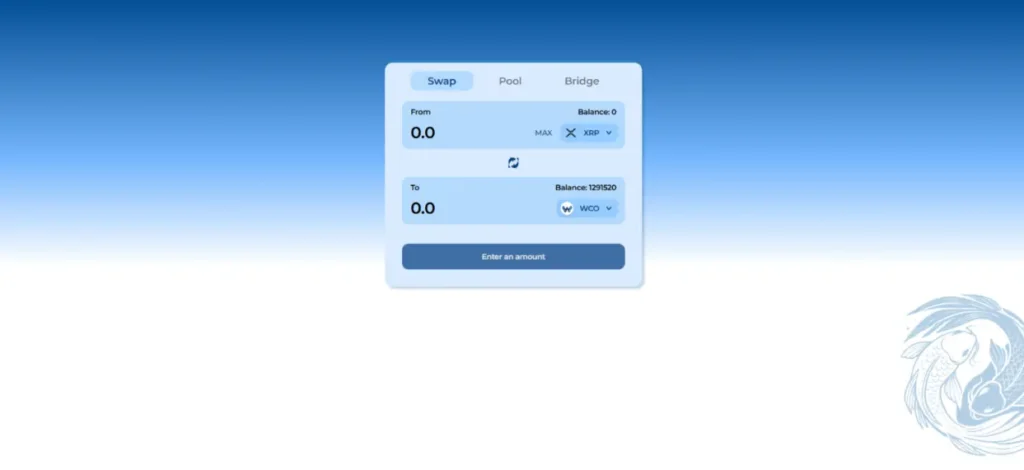
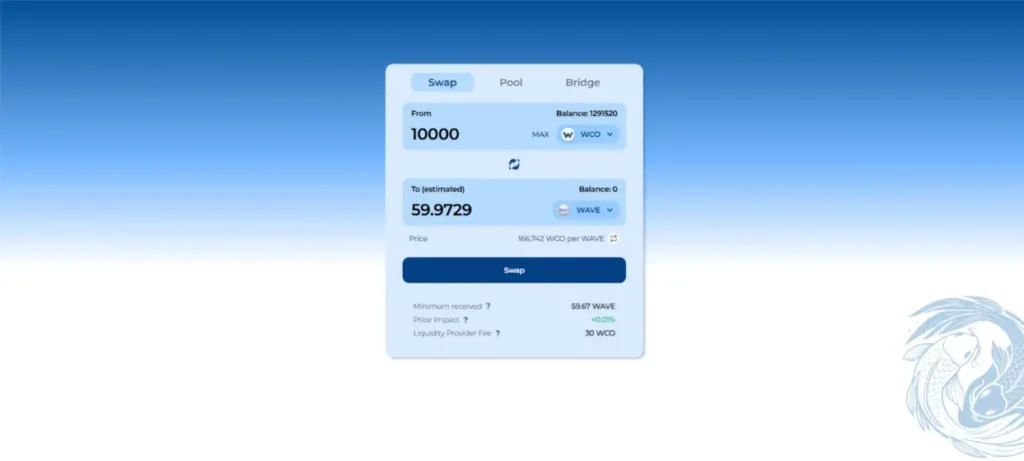
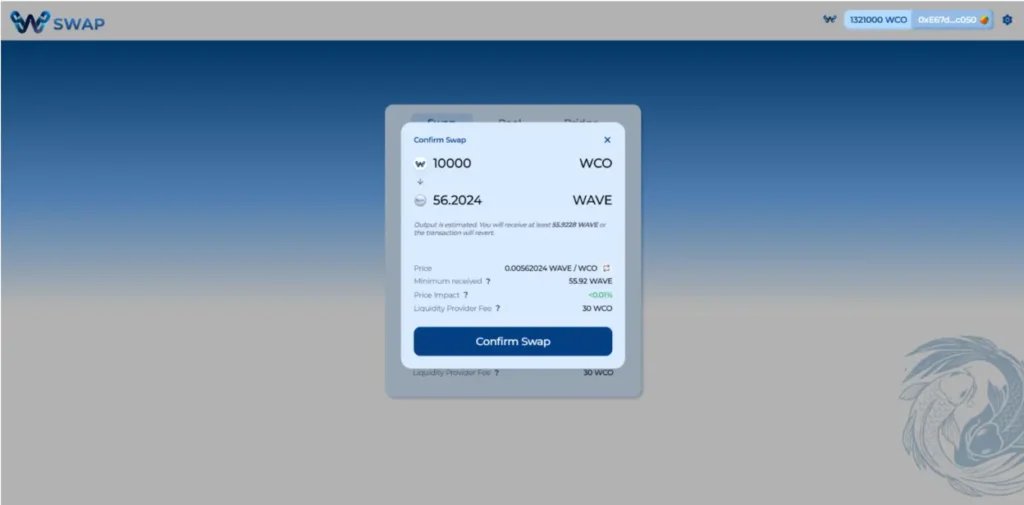
Choose the token you want to swap from (e.g., WCO) in the “From” field and the token you want to receive (e.g., WAVE) in the “To” field.
Input the amount of the “From” token you wish to swap. The “To” amount will automatically calculate based on current prices.
Check the price impact, minimum received amount, and liquidity provider fee.
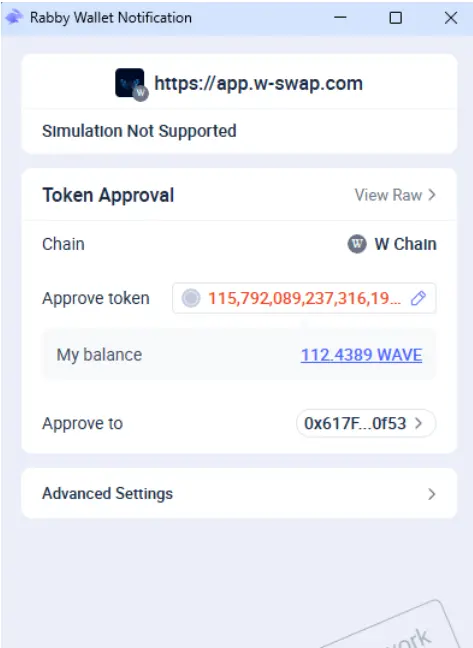
Approve Token (First Time Only): If you haven’t swapped this specific token before, you’ll need to click “Approve” and confirm the transaction in your wallet. This allows W Swap to interact with your tokens.
Confirm Swap: Click “Swap” and then “Confirm Swap” to proceed. Your tokens will be in your wallet within seconds!
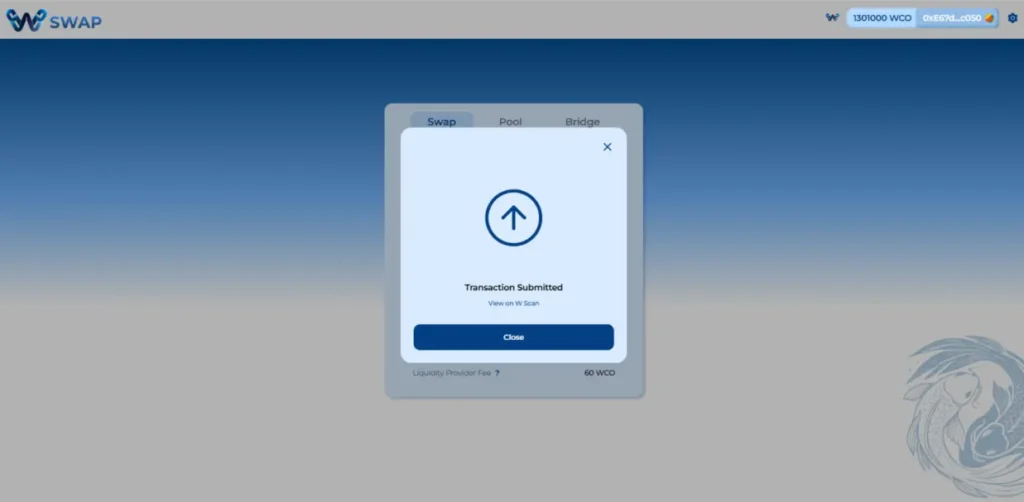
Once the transaction is submitted, you can view it on W Scan.
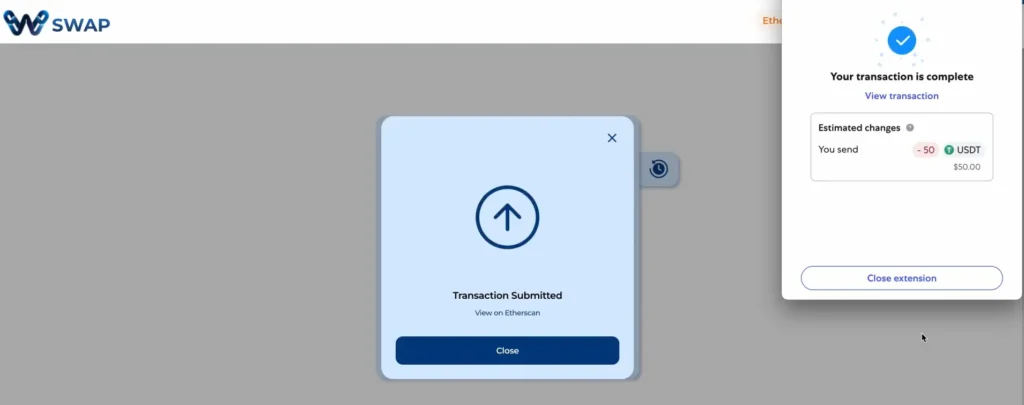
Transaction will then be submitted. Bridging usually takes <1 minute. In this case, 50 USDT is now on W Chain.
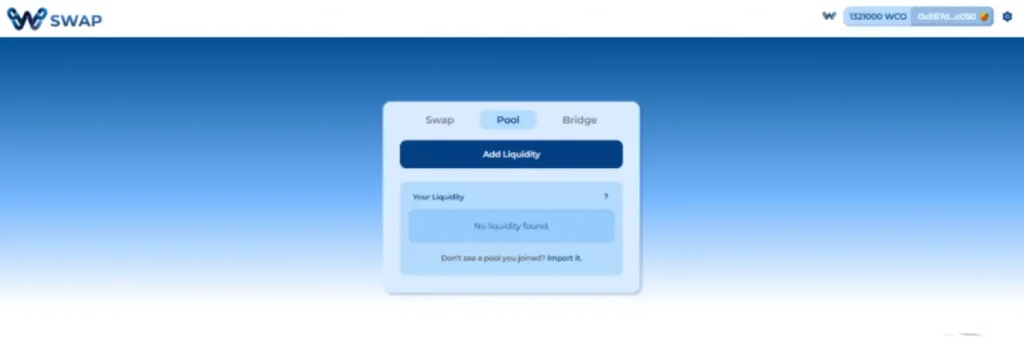
Becoming a liquidity provider (LP) allows you to earn a share of the trading fees from every swap in your chosen pool.
Discover a vibrant, global network of creators, developers, and enthusiasts on W Chain.
The Way Finders Program is your chance to be a key player in the W Chain Network.
Live Connect directly with W Chain’s core team, developers, and community pioneers.
Connect with W Chain’s community forum and join our Telegram channel for major updates and news.
W Chain is building a global network that powers the next generation of payments.
A hybrid blockchain platform uniquely crafted for the future of digital payments.
Stay ahead with insights on Hybrid blockchain, Web3 trends, and W Chain updates.
W‑Chain’s Guidelines help you securely connect, migrate, swap, and engage with the ecosystem.
Our FAQ section provides quick answers to common questions, helping you find information and solutions with ease.
Stay updated with W Chain’s latest milestones, partnerships, and ecosystem developments.
See how industry leaders and media are talking about W Chain’s hybrid blockchain revolution.
Empowering Transactions with WCO: Fast, Secure, and Versatile Utility Across Payments and DeFi.
WAVE is the native reward and incentive token at the heart of W Swap, W Chain’s decentralized exchange.
Decentralized Trading Made Simple with WSwap: Seamless Cross-Chain Swaps, Low Fees, and Secure Liquidity Pools.
Secure and Reliable Cross-Chain Bridge: Decentralized Transfers for Crypto Innovators and Builders.
The W+ (Premium Accounts) program builds loyalty, restores trust, and drives long-term engagement in the W Chain ecosystem.
Seamless Crypto-to-Fiat Spending: Your Global Companion for Retail and Travel.
W Chain is a next-gen blockchain platform delivering trust, transparency, and efficiency to global payments and DeFi.
Join us in empowering creators on W Chain—built for scalability, security, and seamless UX—to drive Web3’s evolution.
W Chain Mainnet delivers secure, scalable, and efficient blockchain transactions for payments, DeFi, and Web3.
W Chain Testnet lets developers safely test apps and smart contracts before mainnet launch.